Forsta Setup
Please follow the below steps to create API-compatible projects using Forsta:
- Go to Company page in Decipher / Forsta
- Go to Integration Settings
-
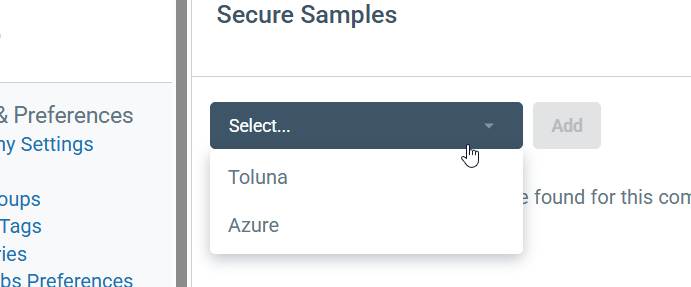
Click “Secure Samples” and select Toluna from the dropdown list
-
Add your Toluna-provided API key
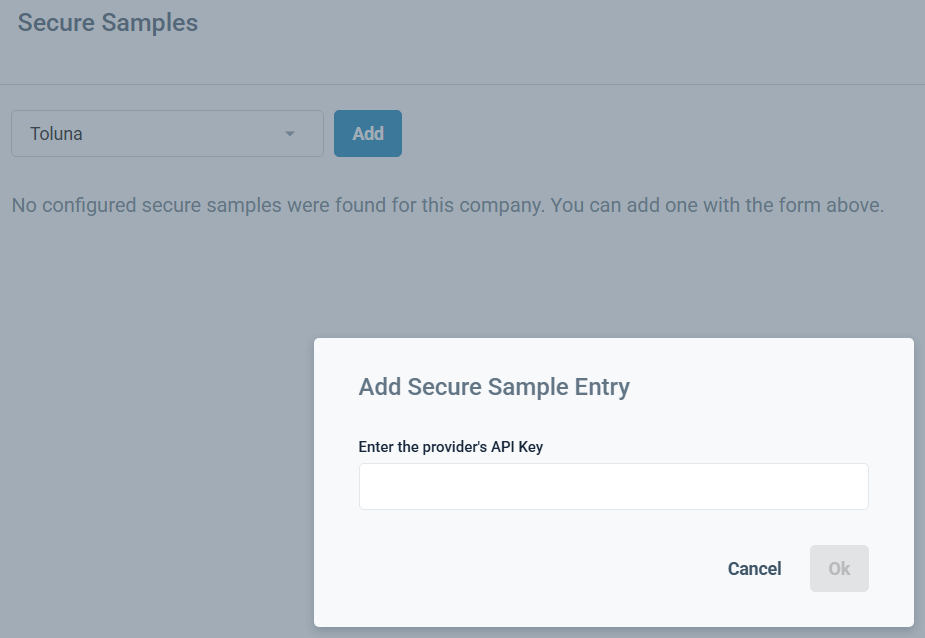
Contact your Toluna representative if you require an API key.
-
Select “Server-to-Server Authentication”
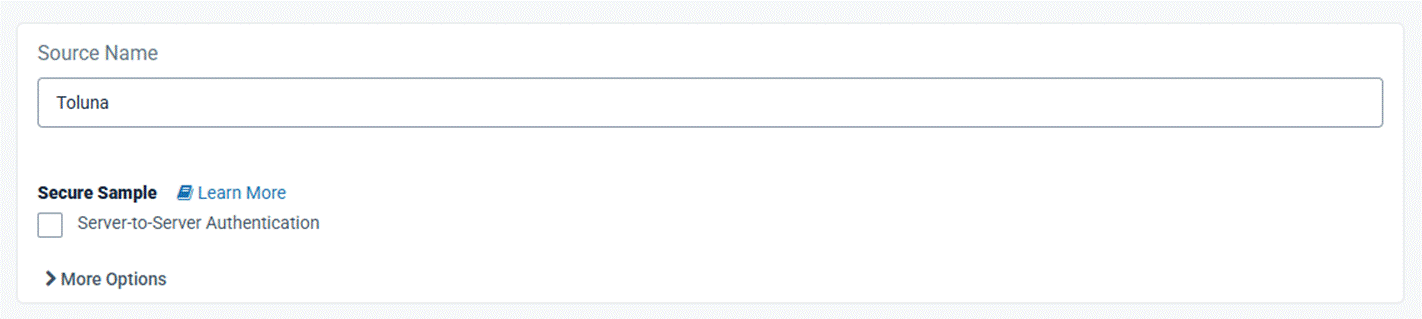
Please contact your Toluna representative if you require additional assistance with Project setup.